The short version
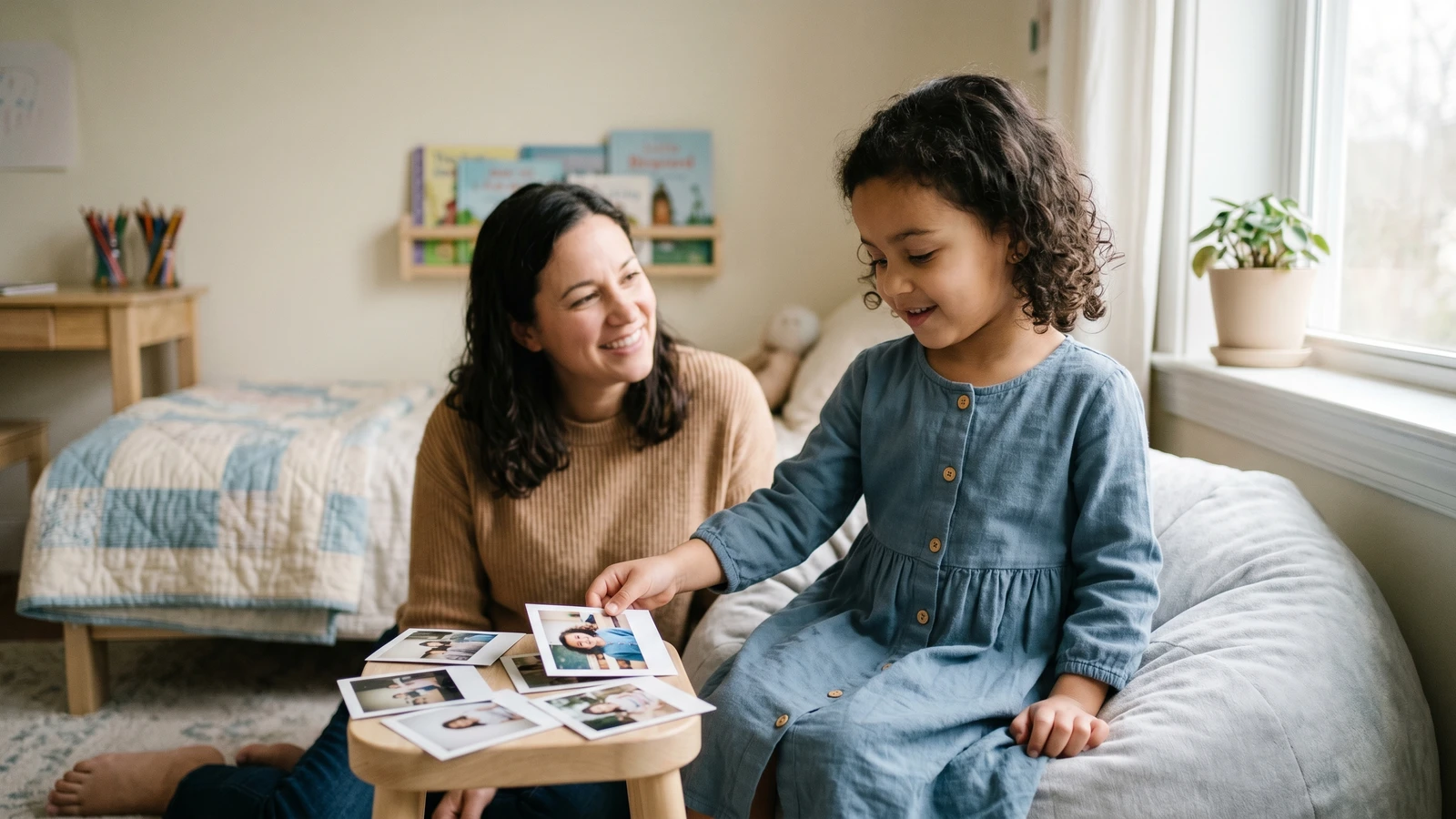
You upload one photo. The system creates six school-portrait variations that keep the same face and identity while changing setting, lighting, and composition details.
Step 1: The upload
We accept clear, high-resolution photos. The system checks file type, size, and basic quality so we can deliver print-ready results.
Step 2: The portrait composition
We use curated portrait compositions that define lighting, backdrop, and styling. The composition controls the look while keeping the identity consistent.
Step 3: Generation and review
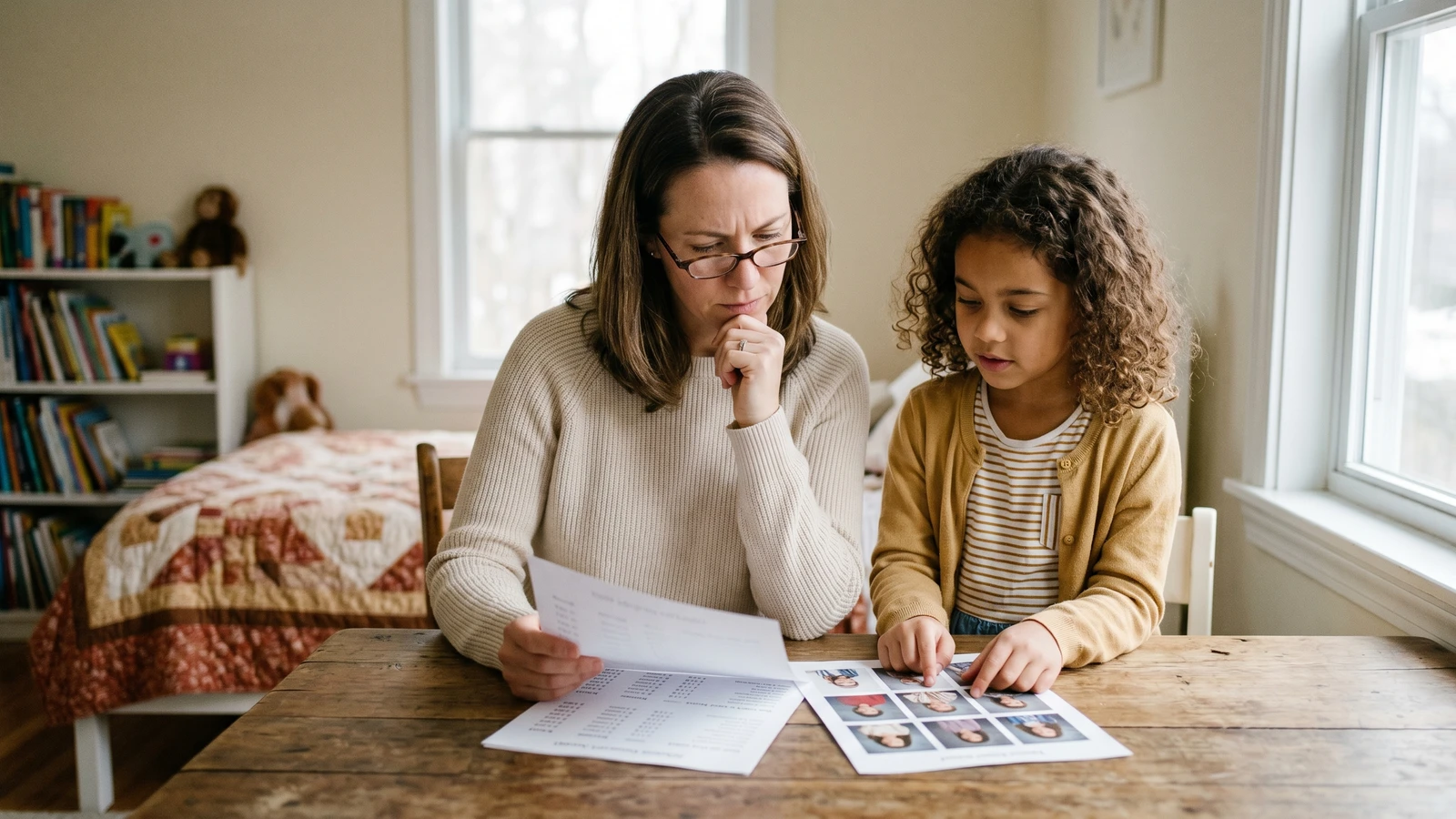
Our model generates six variations. You preview them with watermarks and rate your top portraits before ordering.
Step 4: Print production
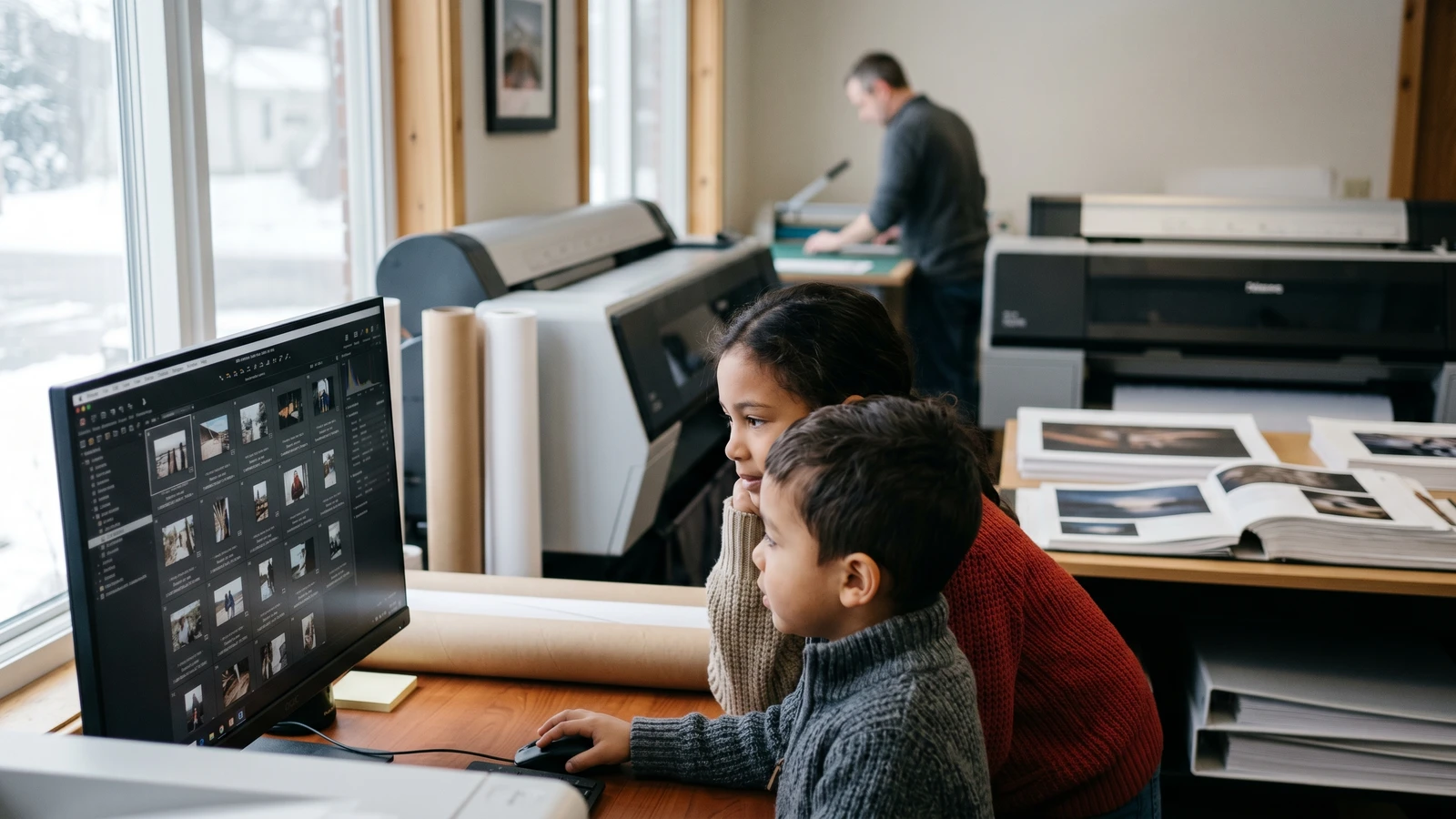
When you order prints, we prepare high-resolution files for our print partner. Your order is produced on archival photo paper.
Privacy and retention
Uploaded originals are deleted on a short schedule. Portraits are kept longer only if you purchase so you can re-order or share with family.
Curious how AI school portraits look with your photo? Try SmilePlease and see the results →
Ready to try pressure-free school portraits? See what SmilePlease includes in every package — studio-quality AI portraits, real prints shipped to your door, no picture-day chaos.
Keep reading
- Why parents choose at-home school portraits — What changes when picture day moves out of school and into your kitchen.
- Print vs digital: choosing your school portrait package — A decision map for how you'll actually use the photos.
- Why school photo packages are expensive: 5 perspectives — The hub that explains the pricing trap and how to avoid it.
Research & sources
Market context for AI-generated school portraits as a parallel option.
Frequently asked questions
Will the AI portrait still look like my actual child?
Yes. The model treats your uploaded photo as a reference the output must stay faithful to. Facial geometry, skin tone, hair, and distinctive features (glasses, freckles, smile shape) carry through every variation. What changes is everything a studio photographer would change — lighting, backdrop, posture, cropping, styling.
How many portrait variations do I get per upload?
Six. You preview all six with watermarks, rate the ones you prefer, and can request a retake if none feel right. Retake passes use your ratings to converge on what you actually want.
What resolution do the final prints look like?
Portraits are generated at high resolution and printed on archival photo paper. 8×10 and 5×7 prints hold up cleanly with no downsampling between preview and print. Wallet prints are composed onto sheets (8 wallets per 8×10 sheet).
How long do you keep my uploaded photo and the generated portraits?
Uploaded originals are deleted on a short schedule (10 days for unused uploads). Generated portraits are kept longer only if you purchase, so you can re-order or share later. See the privacy policy for the exact retention windows.
Can I use an AI school portrait if my child has glasses, braces, or a visible scar?
Yes. Distinctive features are exactly the kind of identity markers the model is designed to preserve. Glasses, braces, birthmarks, freckles, scars, and hair accessories all carry through variations. If a specific variation loses one of these details, rate it low and request a retake.
What kind of source photo works best?
A window-lit photo (not direct sun, not indoor tungsten light) where your child looks relaxed and their full face is visible. Sharper is better — avoid heavy filters or very small/cropped files. 2–5 MB phone photos are the sweet spot. Any photo you already love will usually produce the best result.
Meet the author
Ari Singh
Tech & Ethics Columnist
Plain-language writing about how AI tools work, what they collect, and where the lines are
Ari writes about the technology behind modern photo tools — how AI-generated portraits actually work, what data the pipeline sees, what it retains, and where the ethical decisions sit. Their column at SmilePlease is written for parents who want real answers without becoming ML engineers.